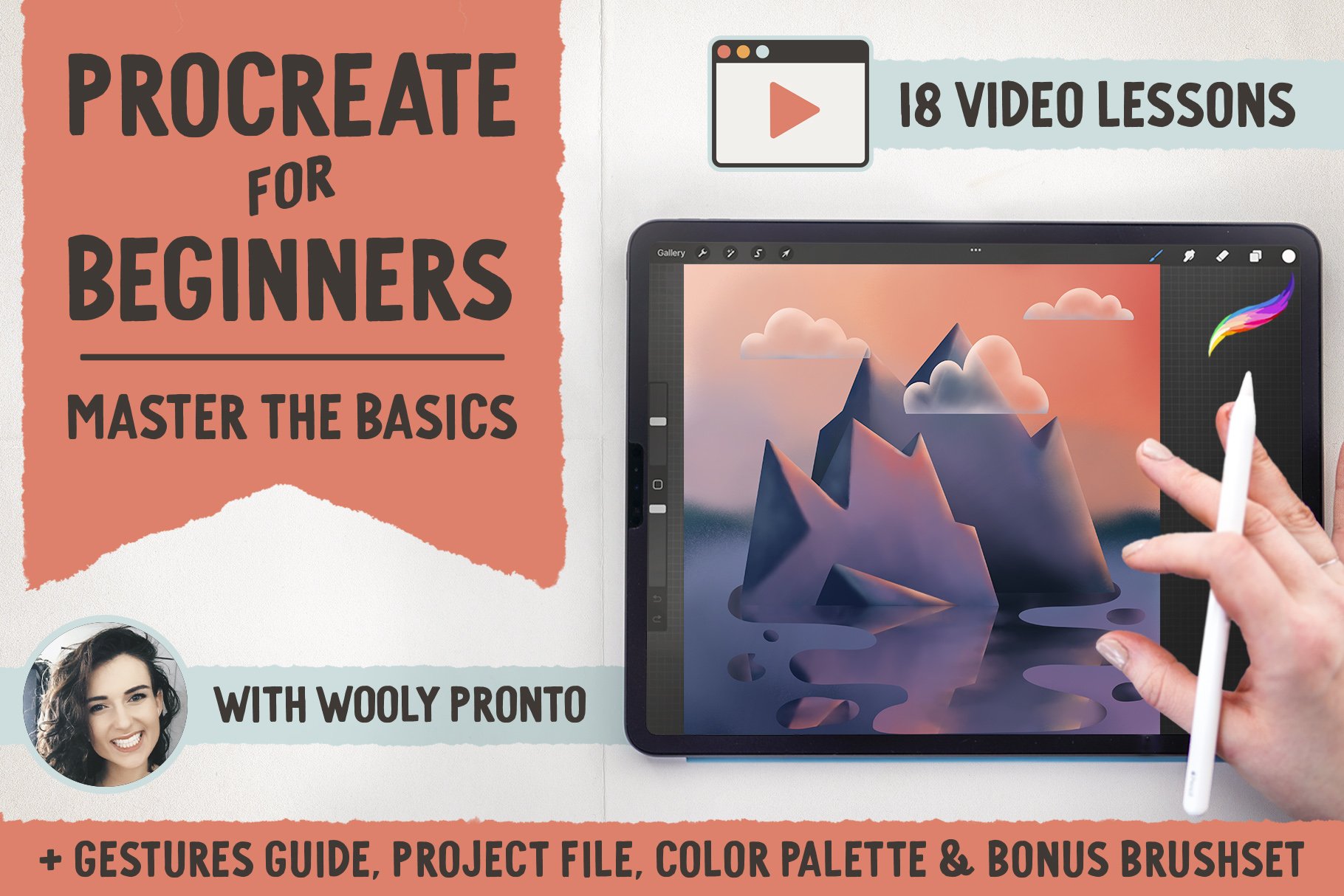
80+ Minutes of video lessons:
Once you feel comfortable with the basic app functionality, we’ll jump into a project, so that you can immediately apply what you’re learning.
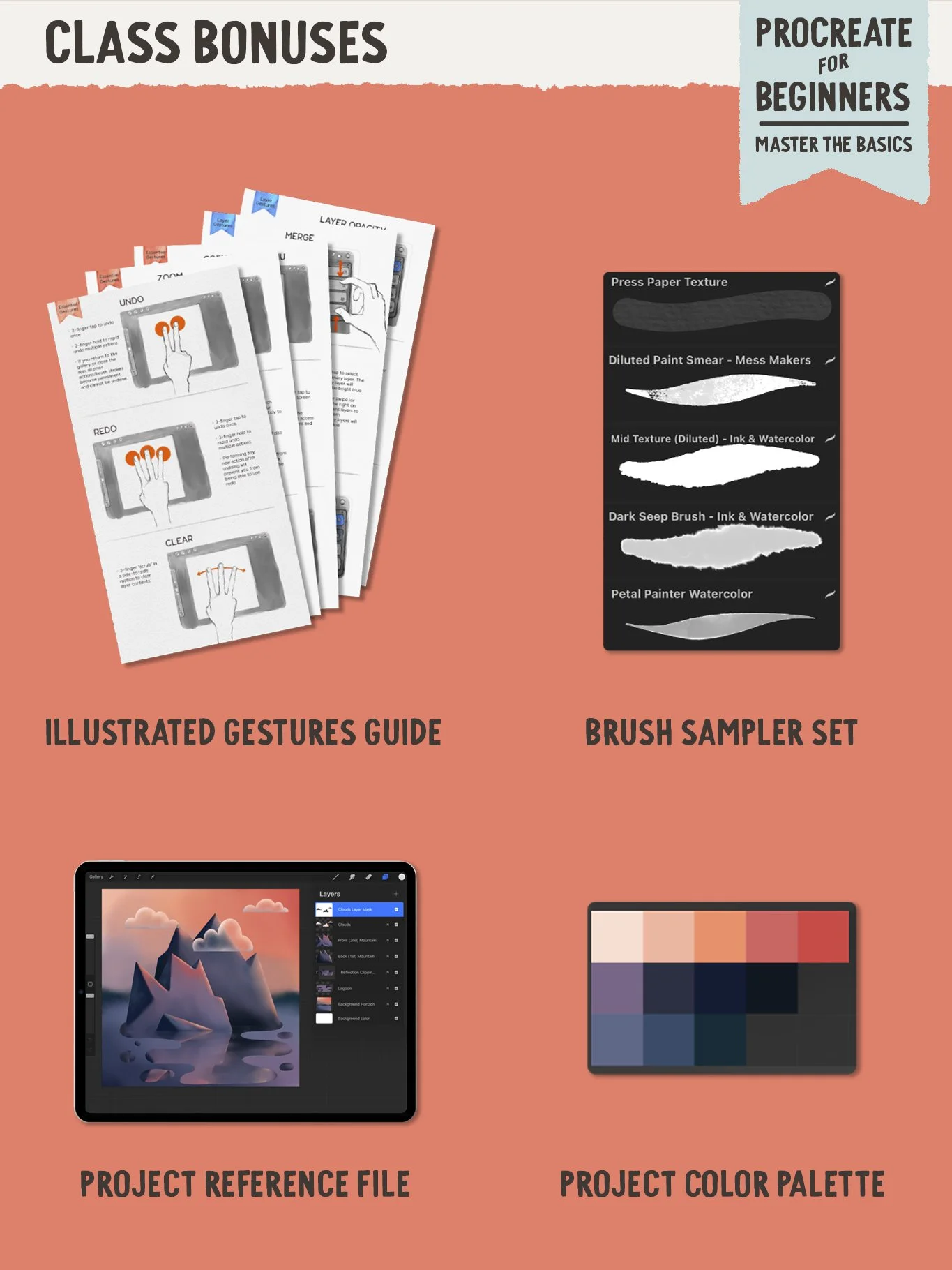
Learn to paint, smudge, create shapes, fill them with color, and add dimension with shading – all while creating a landscape scene. Follow along with the included project color palette, and explore the layered project file to see exactly how it was created.
As a bonus, you’ll also receive the illustrated Gestures Quick Guide handout, which will help you master the key shortcuts that are so crucial to the Procreate experience.
Master the basics
Designed as a fundamental introduction to Procreate, this course covers all the essential tools and features that you need to know to use the Procreate app proficiently. In the introductory lessons, you’ll learn how to navigate the app, set up canvases, and make the most of the intuitive touch interface.
And the best part?
It’s FREE!
The entire course and all the files are now completely free! Watch start to finish on YouTube, and download the files via the link in each video description: